SparkleDNS
A lightweight DNS-over-HTTPS client for Android.
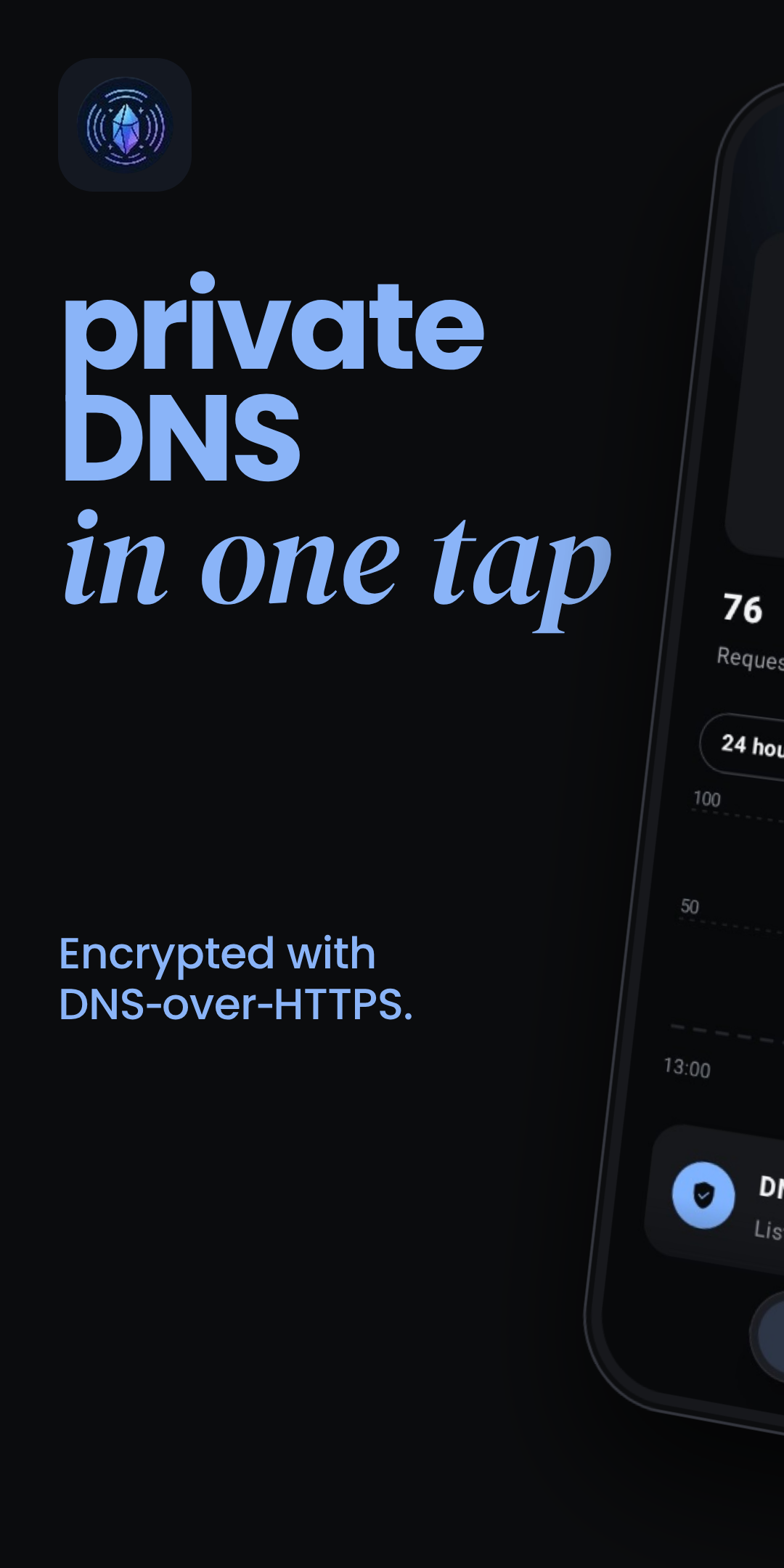
A local VPN that captures only DNS traffic and sends every query to the DoH server you choose (RFC 8484). Everything else goes through your normal connection.




> [!TIP]
> If you find SparkleDNS useful, please consider giving it a ⭐ — it helps others discover the project.
> [!IMPORTANT]
> **SparkleDNS is coming to Google Play!** The app is now in closed testing there ahead of the public release. Ideas, wishes and suggestions for improvement are very welcome — send them wherever is easiest for you: an issue on [Gitea](https://git.skysparkle.cc/kalarina/Sparkledns/issues) or [GitHub](https://github.com/kalarina-bit/Sparkledns/issues), or an email to [cuken107@proton.me](mailto:cuken107@proton.me).
## ✨ Features
- 🔌 **One-tap connect/disconnect**, with a Quick Settings tile
- 🔄 **Switch servers on the fly** — the tunnel restarts automatically
- 🚀 **Built-in server test** showing protocol and latency
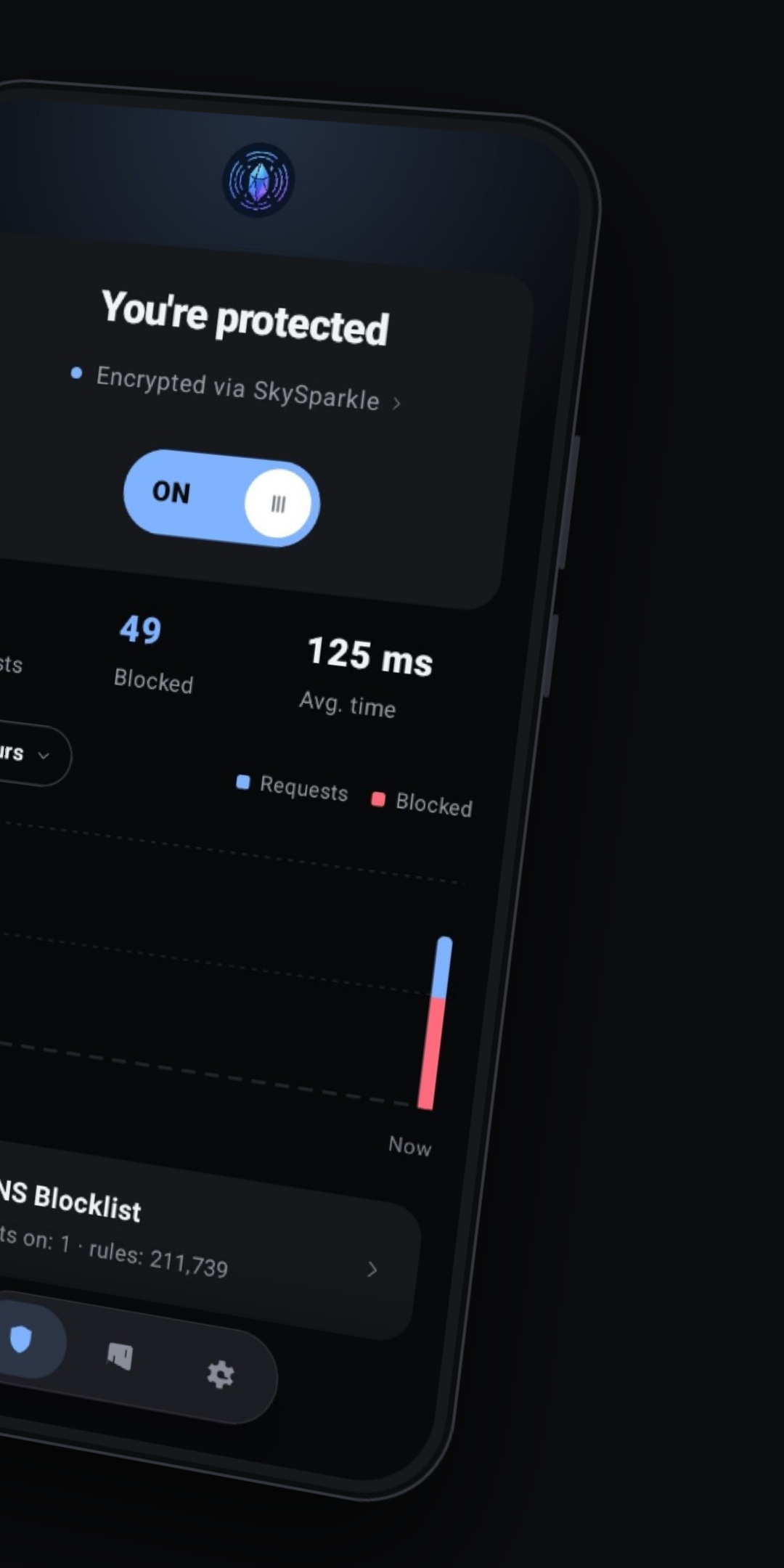
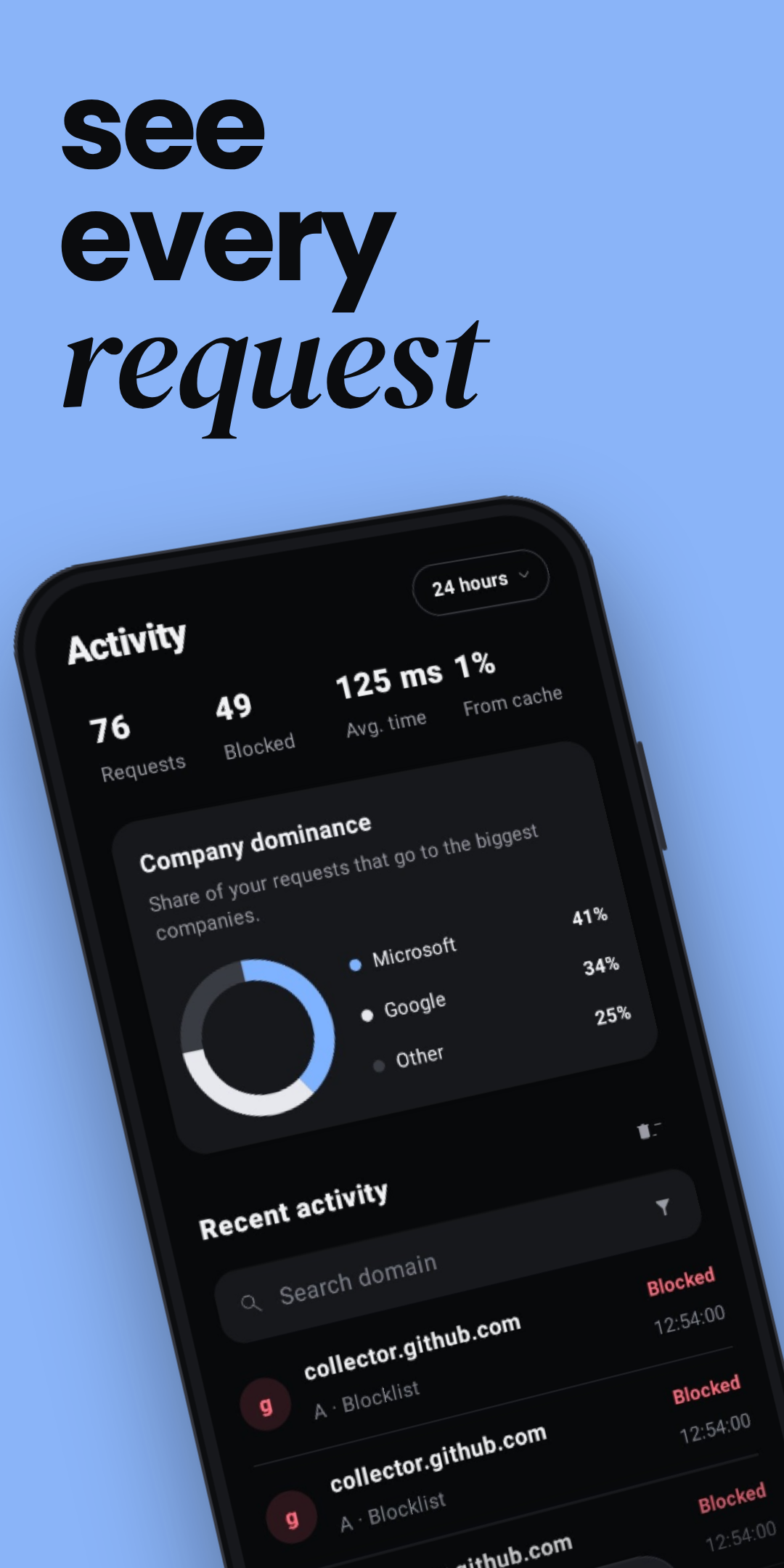
- 📊 **Activity** — 24-hour and 7-day charts, share of the biggest companies, and a live log with filters and one-tap blocking. Numbers stay on the device
- 📱 **Per-app DNS** — chosen apps bypass the tunnel
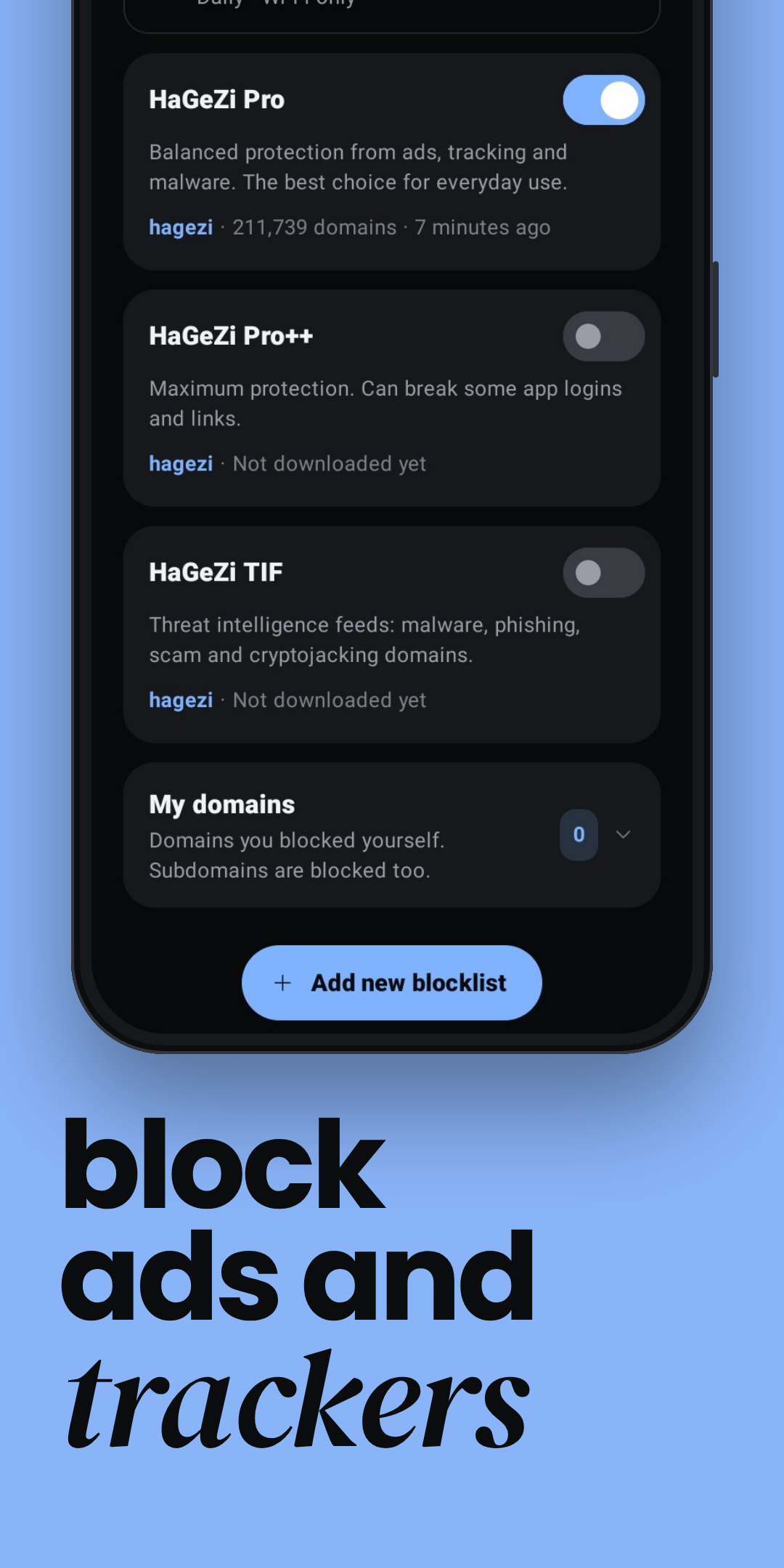
- 🚫 **Custom blocklists** — your own domains plus hosts/domain/AdBlock lists by URL (HaGeZi Pro, Pro++ and TIF presets), updated automatically every day or week, on Wi-Fi only if you like
- 🔓 **No analytics, no Google Play Services**
##  Installation
- **[F-Droid](https://f-droid.org/packages/cc.skysparkle.sparkledns/)** — install and update through the F-Droid client.
- **[Obtainium](https://apps.obtainium.imranr.dev/redirect?r=obtainium://add/https://git.skysparkle.cc/kalarina/Sparkledns)** — installs the APK straight from Gitea releases and keeps it up to date.
- **Manually** — download the latest APK from [GitHub](https://github.com/kalarina-bit/Sparkledns/releases/latest) or [Gitea](https://git.skysparkle.cc/kalarina/Sparkledns/releases), allow installs from unknown sources for the app you open it with (Settings → Apps → Special access → Install unknown apps), then open the `.apk` and confirm.
##
 Verifying a download
Every official APK is signed with the same key. Check it before installing:
```sh
apksigner verify --print-certs SparkleDNS-v.apk
```
The SHA-256 fingerprint of the signing certificate must be:
```
42:F6:30:63:4B:D0:F8:7F:49:17:85:A8:84:87:70:E4:45:96:7B:36:F1:02:8E:FD:16:F8:F9:52:01:27:3A:29
```
`apksigner` prints the same value in lowercase without colons. On Android you can check it with [AppVerifier](https://github.com/soupslurpr/AppVerifier) (app ID `cc.skysparkle.sparkledns`).
##
 Building from source
Requires JDK 17+ and Android SDK 36.
```sh
./gradlew assembleRelease
```
### Releasing
1. Bump `versionName` and `versionCode` in `app/build.gradle.kts` (`versionCode = major * 10000 + minor * 100 + patch`).
2. Add `fastlane/metadata/android//changelogs/.txt`.
3. Tag the commit as `v` (for example `v1.0.9`) — F-Droid detects new releases from these tags, so upload the signed APK to the release right away.
## 🤝 Contributing
Bug reports, DoH server and blocklist suggestions, translation fixes and pull requests are welcome in the [issue tracker](https://git.skysparkle.cc/kalarina/Sparkledns/issues). Please read [CONTRIBUTING.md](CONTRIBUTING.md) first — it explains what fits the project and how to send changes. To open an issue or a pull request, [create an account](https://git.skysparkle.cc/user/sign_up) on this Gitea.
## 📄 License
[GNU General Public License v3.0 only](LICENSE).